Android Studio now works with any AI agent: what Dev Summit 2026 means for us
Android Studio now lets you pick your own AI coding agent, and AppFunctions is in beta. What Android Dev Summit 2026 means for everyday Android work.

3 min read
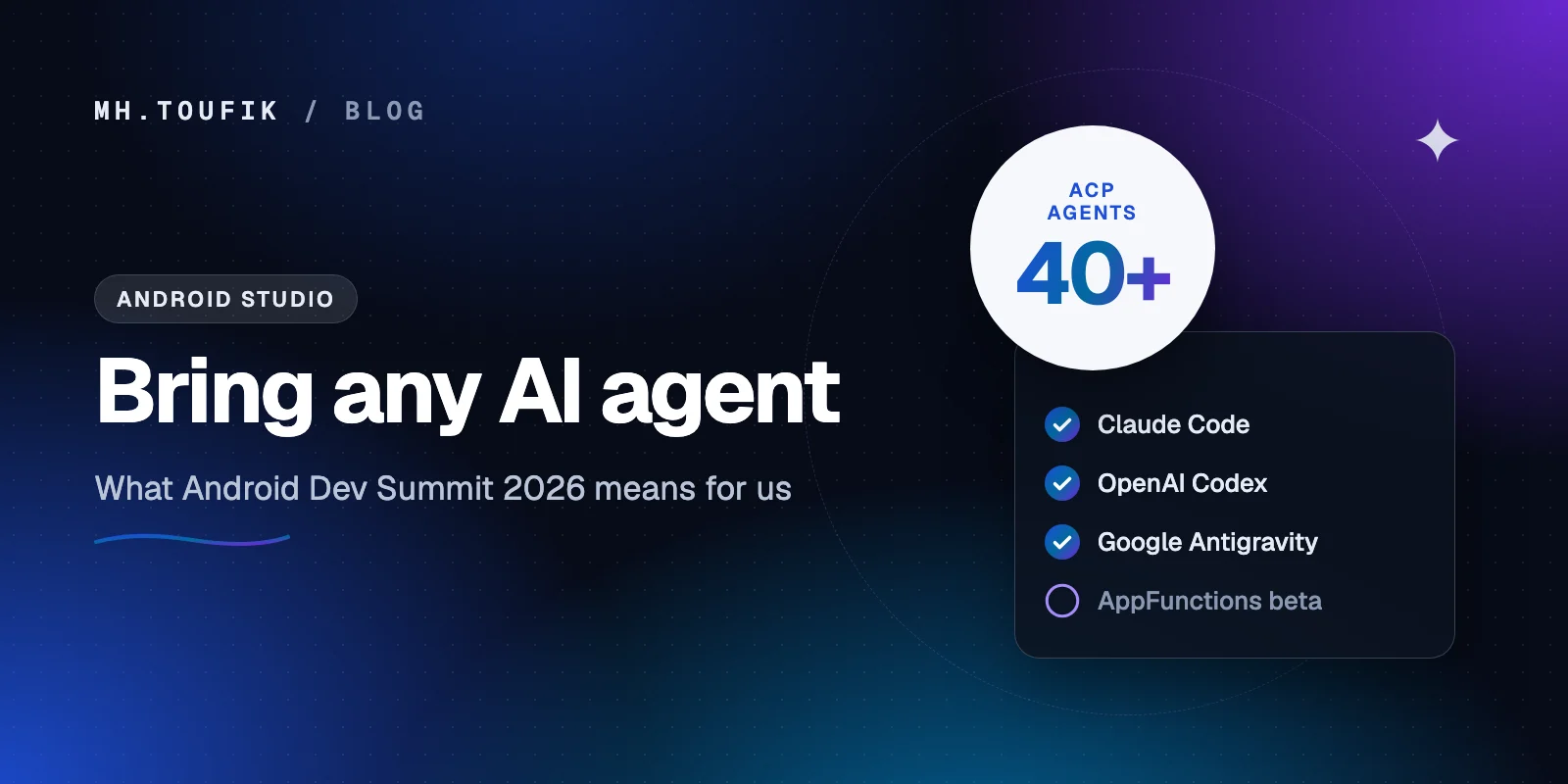
Google's Android Dev Summit came back on 28–29 October 2026, and one announcement stood out for anyone who writes Android apps every day: Android Studio no longer ties you to one AI assistant.
You can now pick the coding agent you already like and use it right inside the IDE. Here's what was announced, what I think matters, and what I'd try first.
The big change: bring your own agent
Until now, AI help in Android Studio meant Gemini. That's changing.
According to the Summit coverage, Android Studio Rabbit 2 is now stable and lets you choose your coding agent directly in the IDE. It works with more than 40 agents that support the Agent Client Protocol (ACP), an open standard for connecting coding agents to editors. The names mentioned on stage included:
- Claude (Anthropic)
- Codex (OpenAI)
- Antigravity (Google)
You can switch between them whenever you like. Google also launched official Android plugins for Claude Code and Codex, so those tools can work with Android projects the way Google intends.
Why this matters: most of us already have a favourite agent from other work. Being able to keep it in Android Studio, instead of copying code between a chat window and the IDE, removes a lot of friction.
AppFunctions is now in beta
The second big piece is about your app, not your IDE.
AppFunctions is now in beta. It's Android's tool-calling layer: it lets your app expose specific features to on-device and system AI agents, through what Google calls Android MCP. In plain words, an assistant like Gemini can ask your app to do something, like "add this to my shopping list" or "book a ride", without the user opening it.
I'll write a full post on this later this week, because I think it's going to change how we design apps.
Faster testing and debugging
A few smaller tools that I'm genuinely excited about:
- Real devices from a Google device lab. You can borrow real phones, streamed through Firebase, instead of buying every model yourself. For developers in Bangladesh testing on a budget, this is a big deal.
- Compose previews without an emulator. Agents can render Compose previews without running an emulator or deploying an APK. In Google's own test, AI assistants finished screen tasks 77% faster.
- A memory leak finder. A new tool hunts for memory leaks, and in one test it ran nearly twice as fast. Leaks are one of the most common reasons apps feel slow on low-RAM phones, so this matters a lot for budget devices.
Android XR and glasses
Google also showed XREAL Aura wired glasses running Android XR, and said the Jetpack XR SDK libraries are now production-ready, with XR and smart-glasses emulators stable in Android Studio.
I don't think most of us need to build for glasses this year. But if your app already uses Jetpack Compose, the path to XR is shorter than you'd expect.
What I'd actually do this week
If you build Android apps, here's my short list:
- Update Android Studio to the latest stable and connect the agent you already use. Try it on a small, boring task first, like writing tests for one ViewModel.
- Give the agent rules. Tell it your architecture, your naming and your libraries. Agents follow your project's patterns much better when you spell them out.
- Try the memory leak finder on your heaviest screen. Run it on a low-RAM device profile, because that's what many of your users actually have.
- Read up on AppFunctions. Pick one action in your app that users repeat every day. That's your first candidate.
My take
The big shift isn't any single feature. It's that Google is treating AI agents as a normal part of Android development, on both sides: agents that help you build the app, and agents that use the app on the user's behalf.
The developers who do well over the next year will be the ones who learn to work with agents without handing over their judgement. Let the agent type. You still decide what ships.
Keep reading
All postsBuilding an Android alarm that actually rings: what HeyUtho taught me
I helped a friend ship HeyUtho, a math-challenge alarm. The math was easy. Making Android ring on time, every time, wasn't. Here's what I learned.
5 min read
Compose Multiplatform for iOS is stable. Should you share your UI now?
Compose Multiplatform for iOS has been stable since May 2025. Here's when sharing UI between Android and iOS pays off, and when native SwiftUI still wins.
4 min read
On-device AI in mobile apps: Gemini Nano vs Apple's Foundation Models
Android and iOS both ship a language model on the phone now. What Gemini Nano and Apple's Foundation Models can do, where they fall short, and how to start.
4 min read
Comments
No comments yet — start the conversation.