How AI is changing mobile development, and what it still can't do
AI agents now write, test and debug app code. Here's where AI really helps mobile developers in 2026, where it still fails, and how the job is changing.

3 min read
A year ago, "AI in mobile development" mostly meant autocomplete. Today, AI agents can plan a feature, edit files across a project, run tests and even click through an app on a simulator.
Both Android Studio and Xcode 27 now come with agentic coding built in. So it's a fair question: what does a mobile developer actually do now?
Here's what has really changed, what hasn't, and how I think about it.
What the numbers say
Stack Overflow published its 2026 Developer Survey in October, with more than 30,000 respondents. A few results stood out:
- Coding agents (66%) are now the main way developers use AI, just ahead of chatbots (63%).
- The most-used agents are Claude Code (66%) and GitHub Copilot (59%).
- 73% of developers who use AI coding tools use them every day.
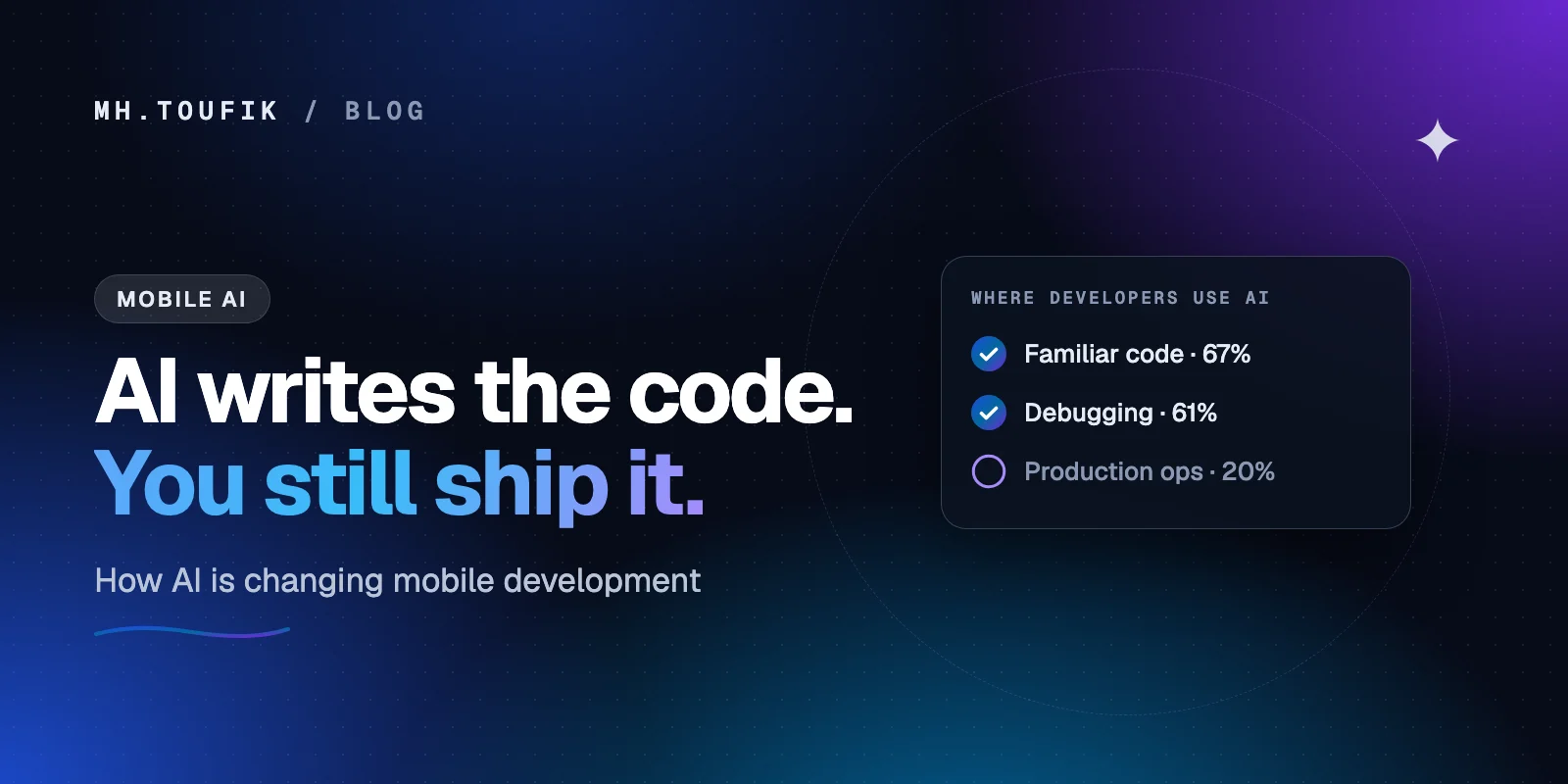
- Developers mostly use AI for writing code in areas they already know (67%) and debugging (61%).
- Only 20% use it for deploying, operating or troubleshooting production systems.
Stack Overflow summed it up nicely: AI gets to play with familiar code, but once that code reaches production, it gets shown the door.
Where AI really helps
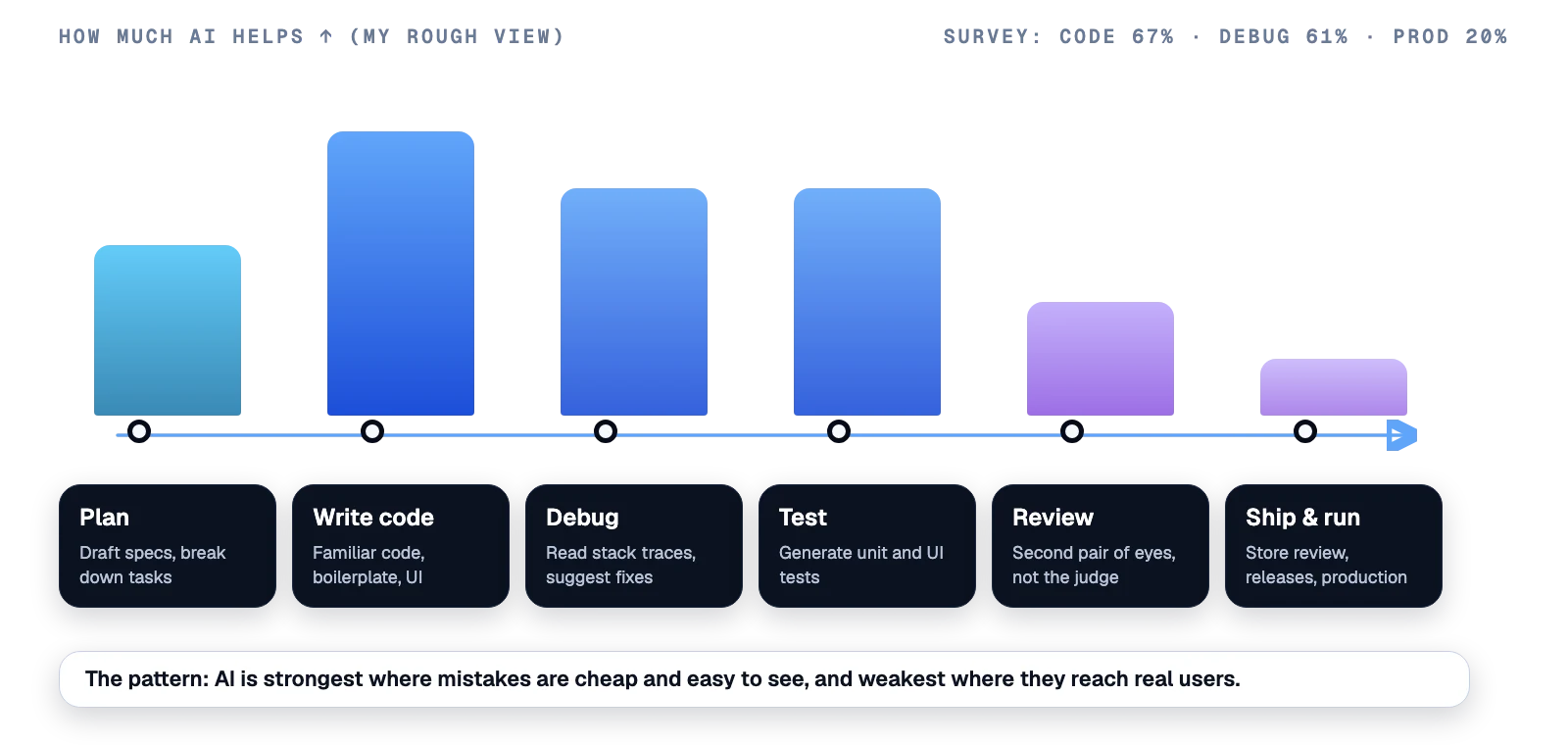
In mobile work specifically, this is where I've found AI genuinely useful:
- Boilerplate and UI. Compose screens, SwiftUI views, data classes, Room or SwiftData models, network DTOs. Work you understand but don't enjoy typing.
- Tests. Agents are good at writing unit tests for a ViewModel or a use case, if you tell them what behaviour matters.
- Reading crashes. Paste a stack trace from Play Console or Xcode Organizer and ask "what's the likely cause?" It's often right, or at least points to the right file.
- Migrations. Moving to a new API level, a new library version or Swift 6 concurrency is repetitive work an agent can do well under supervision.
- Learning a new area fast. An agent that can search the official docs (Android Studio now has this built in) is a great tutor for an API you've never used.
Where it still struggles
And here's where I still keep my hands on the wheel:
- The weird parts of each platform. Background limits, battery optimisation, notification permissions, lock-screen behaviour. AI often writes code that works on a Pixel emulator and fails on a real Xiaomi phone.
- Product decisions. What should happen when the network drops halfway through a payment? That's a decision, not a code problem.
- Store rules. Play Console declarations, App Store privacy labels, age ratings. Get these wrong and your release is blocked, however good the code is.
- Security. Hard-coded keys, unsafe storage, over-broad permissions. Agents can introduce these as easily as they can fix them.
- Real devices. An agent clicking through a simulator is not the same as a person using your app on a slow phone with 4% battery.
One line I read this year sums it up: the cost of starting an app has fallen sharply; the cost of shipping a production one hasn't.
How the job is changing
My honest view: AI isn't replacing mobile developers. It's changing where we spend our time.
- Less typing, more reviewing. The skill that matters most now is reading code critically, whether you or an agent wrote it.
- Clear specs win. The better you describe what you want, the better the result. Writing a good prompt is really just writing a good ticket.
- Platform knowledge matters more, not less. When the agent writes the obvious code, your value is knowing the non-obvious parts: lifecycles, permissions, performance and store policy.
- Testing becomes your safety net. If an agent can change ten files in a minute, you need tests that catch the one change that breaks something.
My simple rules for using AI on mobile projects
- Give the agent your project rules: architecture, naming, libraries, minimum SDK.
- Start every task small and review the diff before accepting it.
- Never let it touch signing keys, store credentials or production secrets.
- Test on a real low-end device before every release.
- Own the result. If it ships with your name on it, it's your code.
AI made me faster at the parts of mobile development I already knew. It didn't make the hard parts easy. And honestly, that's a good thing, because the hard parts are why people hire us.
Keep reading
All posts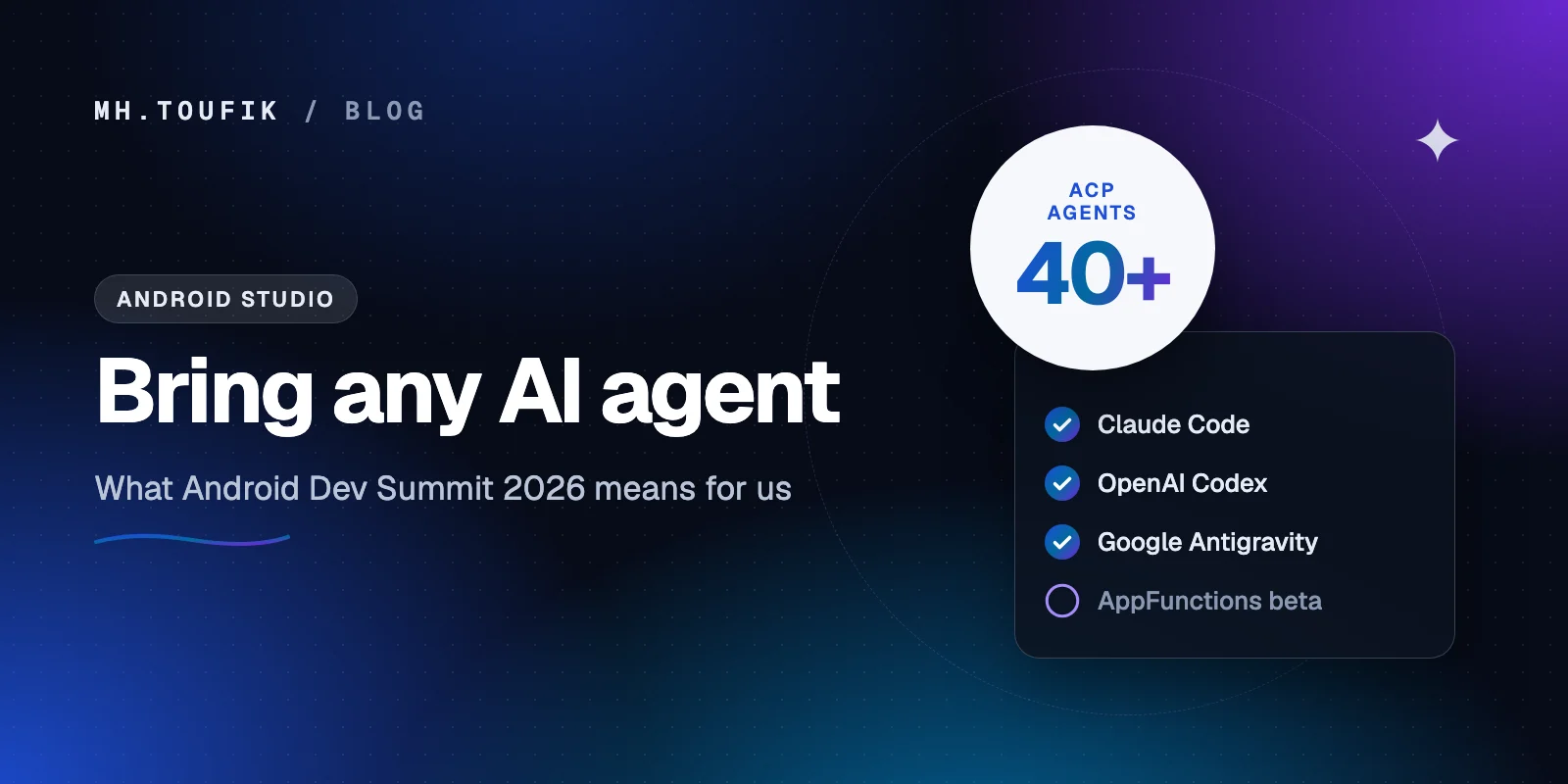
Android Studio now works with any AI agent: what Dev Summit 2026 means for us
Android Studio now lets you pick your own AI coding agent, and AppFunctions is in beta. What Android Dev Summit 2026 means for everyday Android work.
3 min read
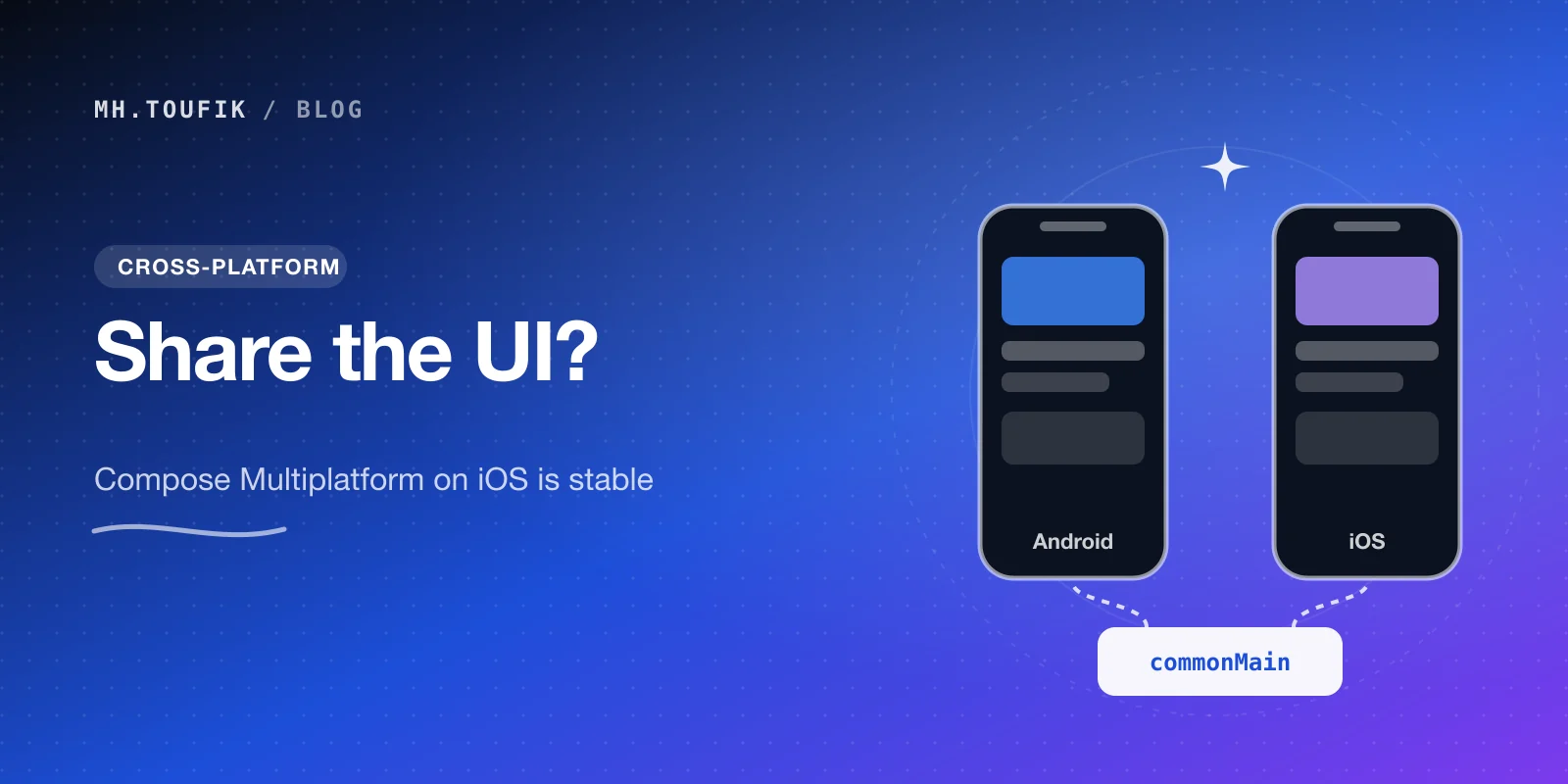
Compose Multiplatform for iOS is stable. Should you share your UI now?
Compose Multiplatform for iOS has been stable since May 2025. Here's when sharing UI between Android and iOS pays off, and when native SwiftUI still wins.
4 min read
On-device AI in mobile apps: Gemini Nano vs Apple's Foundation Models
Android and iOS both ship a language model on the phone now. What Gemini Nano and Apple's Foundation Models can do, where they fall short, and how to start.
4 min read
Comments
No comments yet — start the conversation.